|
Navigation: Agents > Open Agent > Agent Actions > Agent Correspondence > Open Agent Email Correspondence |

|

|

|

|
|
Navigation: Agents > Open Agent > Agent Actions > Agent Correspondence > Open Agent Email Correspondence |
|
|
|
|

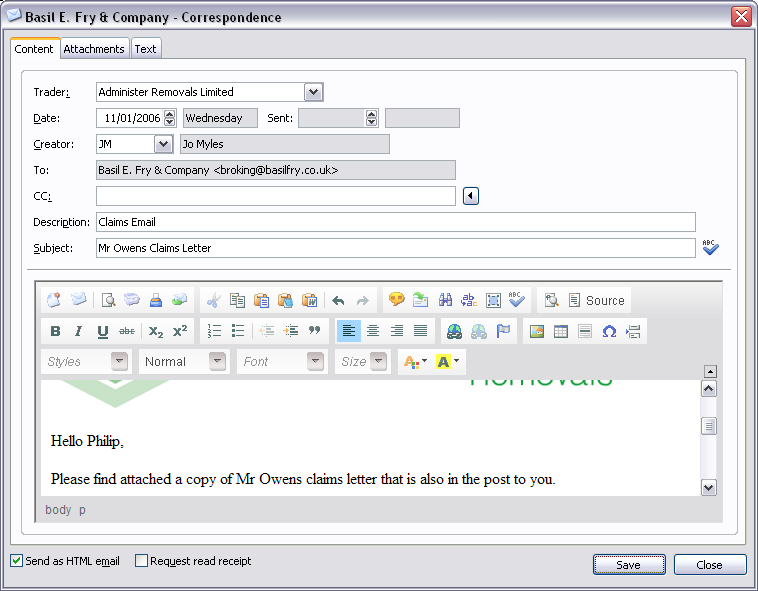
Content Fields:
| Trader | Trading company. |
| Date | Date of correspondence and day of week. |
| Sent | Date correspondence was sent and day of week. |
| Creator | Initials of creator and name of user. |
| To | To email address. |
| CC | Carbon copy email address. Press the  button to import an email address. button to import an email address. |
| Description | Description of correspondence. |
| Subject | Email subject. Press the  button to check spelling of subject. button to check spelling of subject. |
| Content | Content of correspondence. |
| Send as HTML email | Send as HTML email. |
| Request read receipt | Request read receipt for email you send. |
TIP To send an email to multiple email addresses, add a semi-colon (;) after each email address. To enter Tab stops within email content, press CTRL + I. If 'Send as HTML email' is unticked, the email will be sent as plain text. For more detailed information on the correspondence toolbar controls (see - HTML Toolbar). |
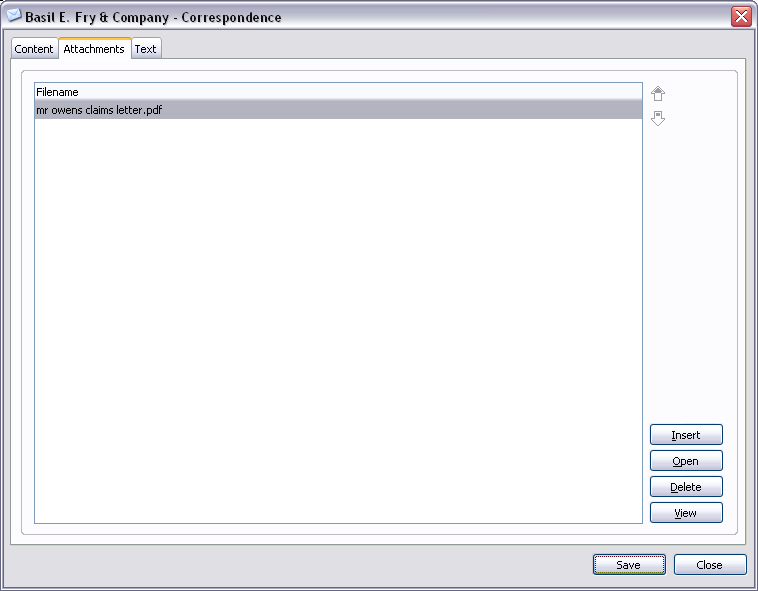
Attachments Controls:
 | Move the highlighted attachment up the list. |
 | Move the highlighted attachment down the list. |
| Insert | Insert attachment. |
| Open | Open the highlighted attachment. |
| Delete | Delete the highlighted attachment. |
| View | View the highlighted attachment. |
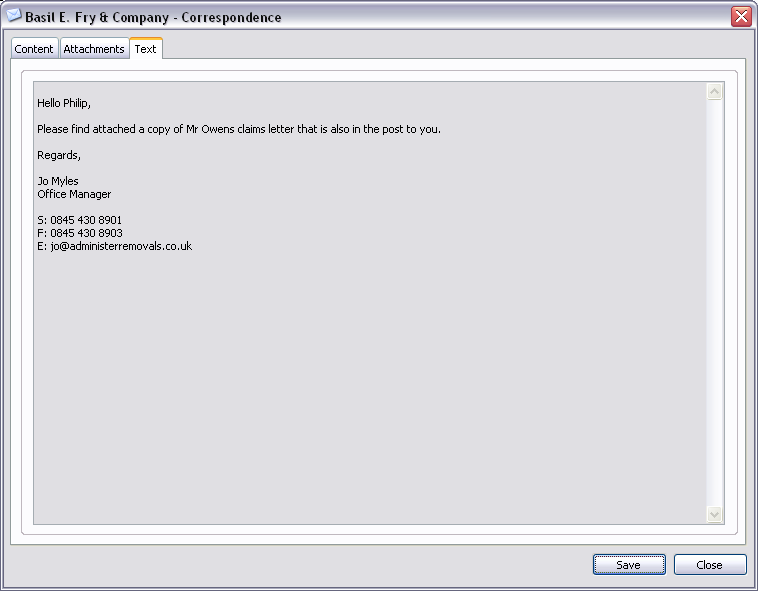
Text Fields:
Display's the content of the email in plain text.
| Save | Close window and save any changes you have made. |
| Close | Close window. |
Page url: http://help.moveadminister.co.uk/updateagentcorrespondenceemail.htm
